Blog

Should employees be allowed to keep their work laptops?

That's how you do it.

  • June 24, 2026
  • 5-minute read

Many organizations replace laptops and smartphones after three or four years. That is often when they are fully depreciated. But what happens to these used laptops afterward?

In many cases, they are stored somewhere, sold to resellers, donated to charities, or recycled. More and more organizations are asking the logical question: why shouldn’t employees be able to take their old work laptops home? It’s a win-win situation—beneficial both personally and financially for both the employee and the employer. Yet we see that many organizations are still hesitant to implement this practice.

Not because the idea is bad, but because the process seems complicated.

Why let employees take laptops home?

A good idea that often gets shelved

When organizations consider implementing a buy-back program for laptops and smartphones, practical, financial, and legal questions quickly arise;

  • Who ensures that all company data is securely deleted?
  • Who performs the technical inspection and grading of the laptops?
  • How do you handle employee invoicing and payments?
  • And who handles the record-keeping and reporting?

For IT teams, this can quickly feel like extra work on top of their existing responsibilities and workload. The result: the idea of allowing employees to bring their own devices is shelved, even though it could actually be a very valuable initiative.

A second life for IT hardware

When employees are able to keep their laptops or smartphones, you also extend the device’s lifespan. This has several benefits.

First, it contributes to sustainability. By using hardware for longer, less electronic waste is generated and the impact of new production is reduced.

For employees themselves, this often feels like a nice perk. They’re already familiar with the device, know how it works, and can purchase it at a lower price

And perhaps even more importantly: employees often take better care of their devices when they know they can keep them later. In practice, this leads to less damage and fewer support requests for IT.

So the concept is simple: a win-win for the organization, the employee, and the organization’s sustainability goals.

Higher residual value

Hardware retains its value longer.

More sustainable

Less e-waste, more reuse.

Safe & Compliant

ADISA-certified data erasure.

It doesn't have to be complicated

The biggest hurdle usually isn't the idea itself, but the implementation: devices must be registered, tested, and wiped so that sensitive company data is no longer accessible before they can be reused or sold.

Next comes the administrative side: invoicing, payments, and sometimes also sending documents to employees.

It is precisely that part of the process that makes organizations think, “This is taking up too much of our time.” But it doesn’t have to be that way.

Buyback without extra work for IT, Finance, and HR

At Circlewise, we see that many organizations want to use their hardware in a more sustainable way, but at the same time don’t want to burden their IT teams with additional processes. That’s why we help organizations set up and implement buy-back programs.

For example, we offer:

  • device registration
  • secure data erasure
  • technical diagnosis and grading
  • administrative processing
  • Technical and Carbon Footprint Reports

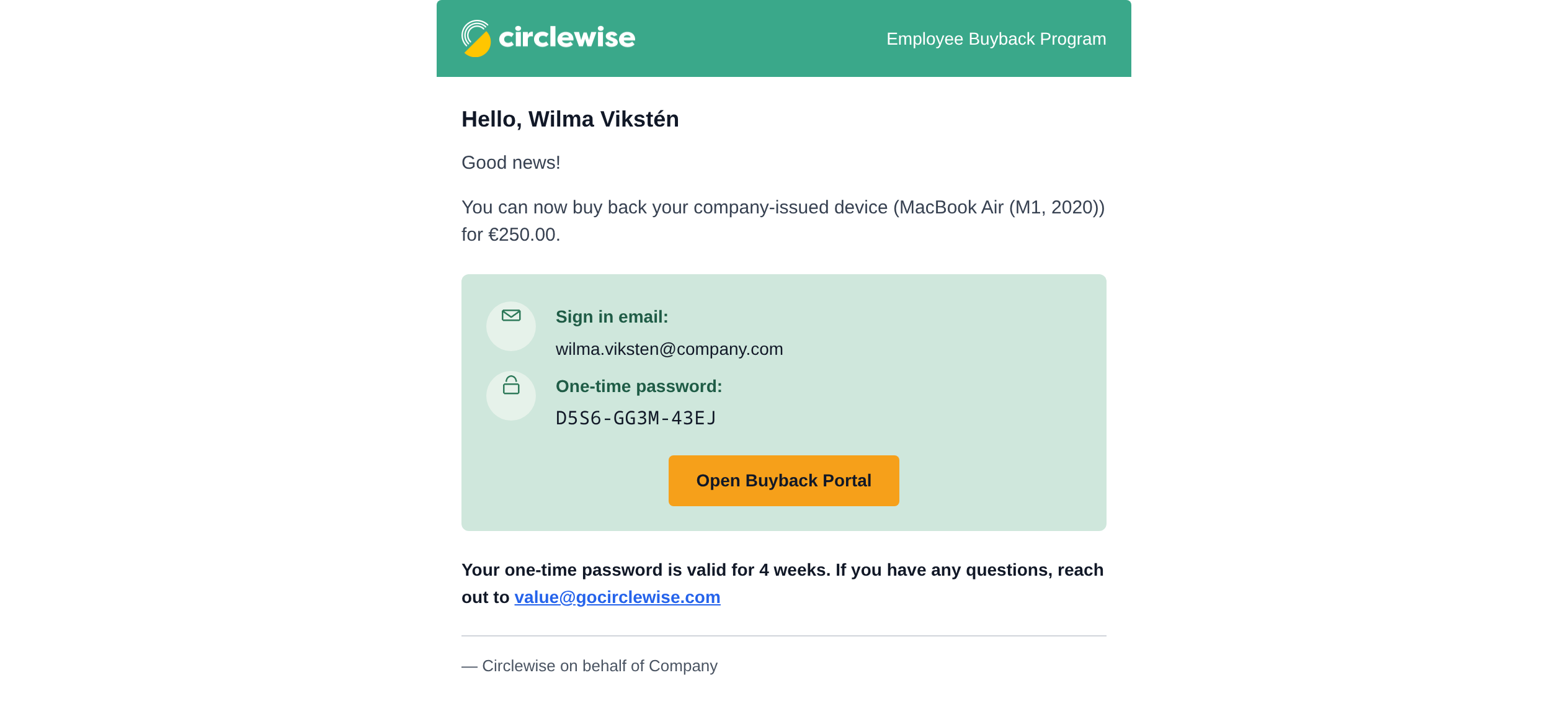
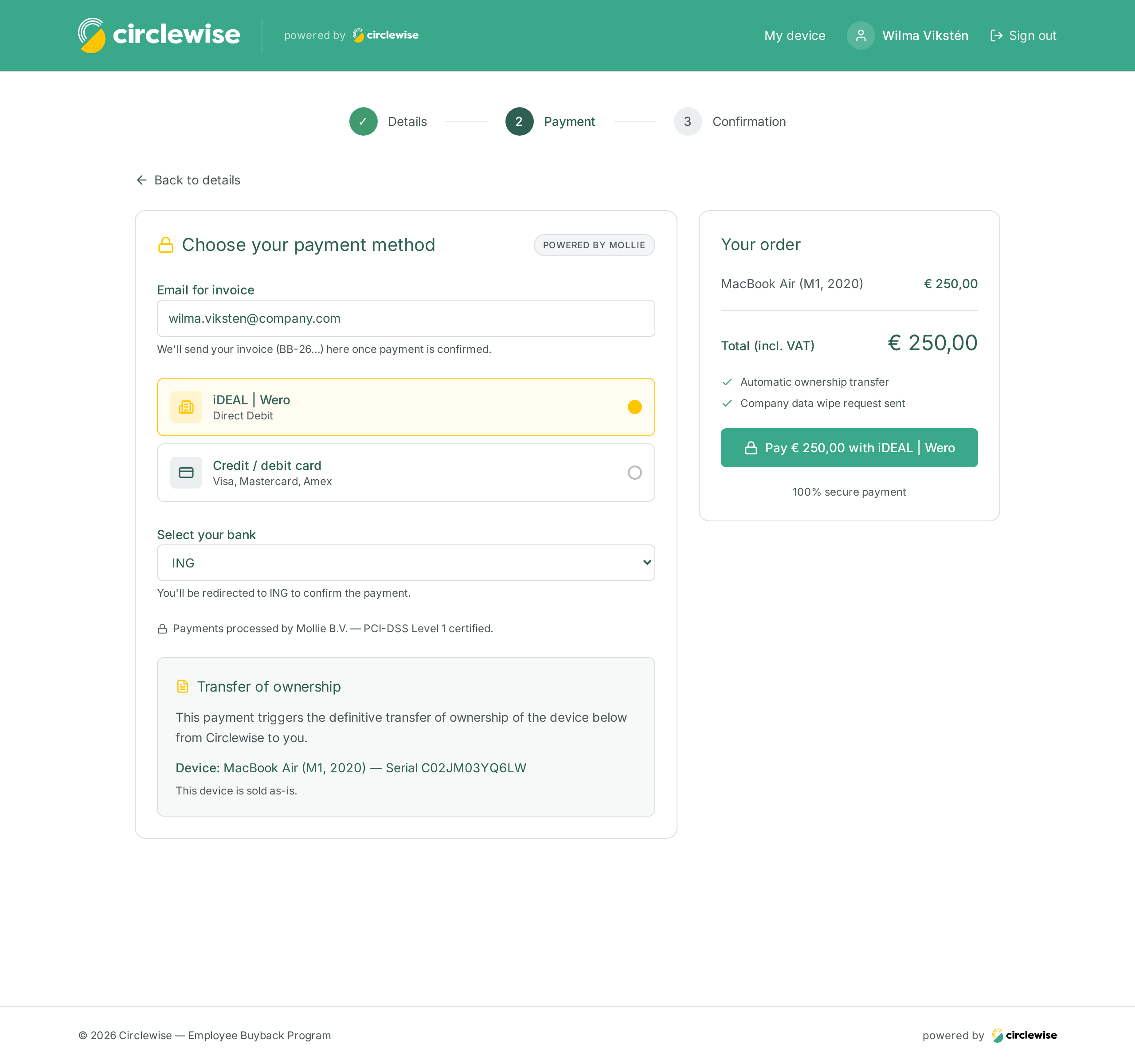
Organizations can also choose to fully outsource the process. In that case, we will also handle invoicing, payment processing, and distribution to employees.

For IT, this means: no additional operational work.

For Finance: no separate invoicing processes.

For HR: an attractive employee benefit.

Here's how to do it in 5 steps

1

Determine the target audience and conditions

2

Communicate the program

3

Secure Data Deletion & Technical Inspection

4

Valuation & Payment

5

Processing, Shipping, and Reporting

Frequently Asked Questions

How is data deleted?

Devices are registered, tested, and wiped so that sensitive company data is no longer accessible before they can be reused or sold.

Who performs the technical inspection?

Circlewise provides technical diagnostics and grading as part of the buyback process.

How does billing work?

Organizations can choose to fully outsource the process. In that case, Circlewise also handles invoicing, payment processing, and distribution to employees.

How much work does it take for the IT department?

For IT, this means: no additional operational work.

Can Circlewise handle everything for us?

Yes. Organizations can fully outsource the process, including registration, data deletion, grading, administration, billing, payment processing, and shipping.

Can't find your question here? Please contact us.

From a depreciated laptop to circular value

What was once a simple question—what do we do with old laptops?—is evolving into a broader vision of circular IT for many organizations.

Devices that used to be phased out immediately can now be used for longer and retain their value. And employees benefit from this approach as well.

The most important thing is for organizations to realize that a buyback program doesn’t have to be complicated at all. With the right support, it can actually be a simple way to combine sustainability, residual value, and employee satisfaction.

Are you considering letting employees take their laptops or smartphones home, but want to organize this without creating extra work for IT and Finance?

Contact one of our Value Creators to find out how we can implement this for your organization.

Schedule an introductory meeting →